Growing an email list is one of the highest-ROI activities for any WordPress site owner. Unlike social media followers, subscribers are yours — no algorithm or platform change can cut you off.
Most WordPress email list building plugins focus on popup forms, but content gating tends to attract better-quality subscribers. Lock valuable content behind a sign-up and you reach readers who already know what they want.
Passster handles this directly — restrict access to premium content and release it only on sign-up.
Here are nine of the best WordPress email list building plugins for 2026, with a comparison table and selection guide.
How to Choose a WordPress List Building Plugin
The right WordPress list building plugin depends on your workflow: opt-in form plugins add forms to existing pages, while landing page builders create dedicated conversion pages. Consider these factors before committing:
- Opt-in form plugin vs. landing page builder: Opt-in plugins (Thrive Leads, OptinMonster) add forms to existing pages; landing page builders (LeadPages, OptimizePress) give you standalone conversion pages. Many list-builders use both.
- Exit-intent technology: Fires a popup when a visitor moves to close the tab. OptinMonster is the most-cited tool for this.
- A/B testing: Essential if you’re serious about growing. Thrive Leads and MailOptin both include this natively.
- Free tier: MailPoet and MC4WP offer free plans covering hundreds of subscribers with no credit card required.
- Integrations: Confirm the plugin connects to your ESP (Mailchimp, ActiveCampaign, ConvertKit) before committing.
- Content gating: To lock posts or content blocks behind a sign-up, Passster is the purpose-built tool.
Quick Comparison
These nine plugins range from free (MailPoet) to $299/yr (Thrive Suite).
| Plugin | Free Plan | Starting Price | Best For |
|---|---|---|---|
| Thrive Leads | No | Thrive Suite $299/yr | A/B testing, form variety |
| MC4WP | Yes | Free (Pro available) | Mailchimp users |
| OptinMonster | No | $9.97/mo | Exit-intent, high-traffic sites |
| LeadPages | No | $37/mo | Landing page campaigns |
| MailOptin | No | $89/yr | Email automation + opt-in forms |
| OptimizePress | No | $129/yr | Funnels and membership sites |
| BDOW! (formerly Sumo) | Yes | Free (paid tiers available) | Simple popup setup |
| MailPoet | Yes (to 500 subs) | Free | Newsletters built inside WordPress |
| Passster | Free core | Paid plans available | Content gating to drive sign-ups |
—
1. Thrive Leads
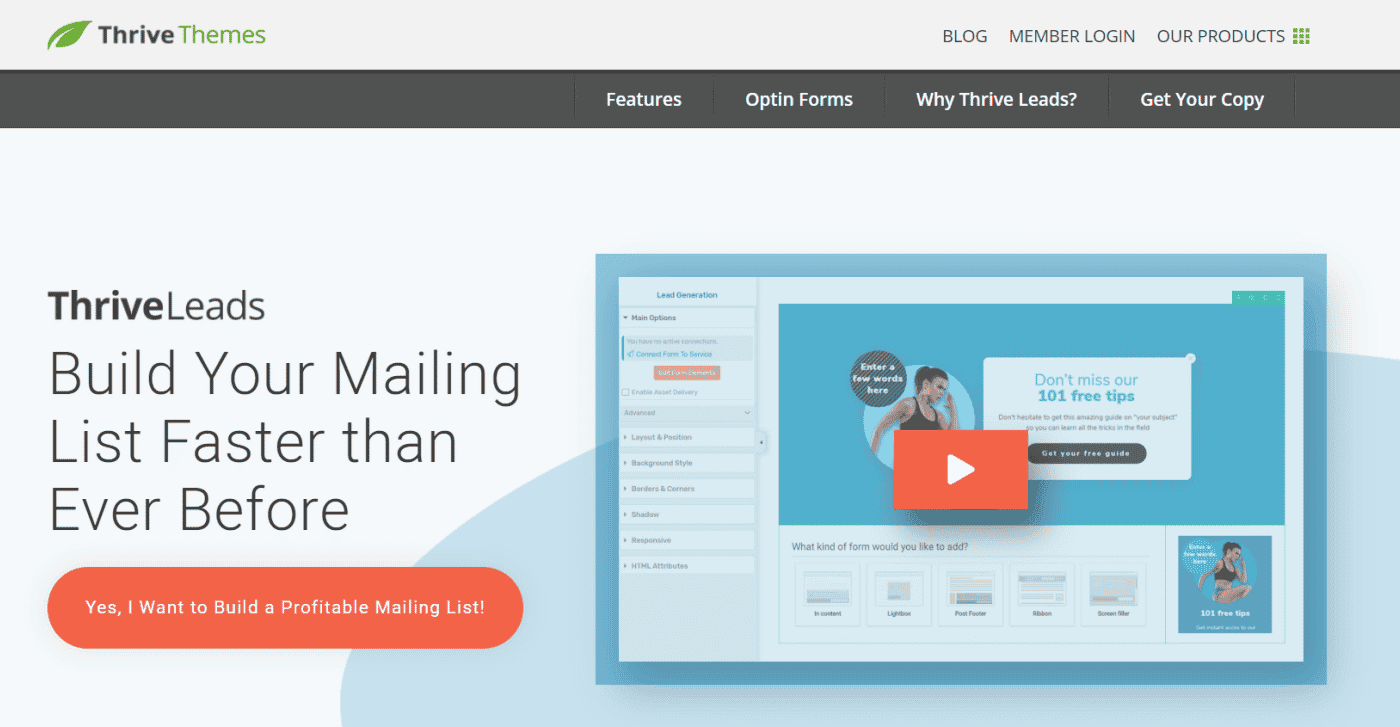
Thrive Leads covers nearly every form type: lightbox popups, ribbon bars, 2-step opt-in buttons, scroll mats, and inline forms. A/B testing across form types and designs is where it stands out — you can run tests against specific audience segments to find what actually converts.
Thrive Leads is only available as part of Thrive Suite, starting at $299/yr (introductory, renewing at $599/yr). It’s a significant commitment, but the suite includes a full conversion toolkit.
Key features:
- A/B testing: test opt-in forms, form types, and offers against each other
- Pre-built templates: large library paired with a drag-and-drop editor
- Smart display rules: hide forms for existing subscribers; target returning visitors differently
- Trigger options: timed, scroll, click, SmartExit, and exit-intent
—
2. Mailchimp for WordPress (MC4WP)

Mailchimp for WordPress (MC4WP) has over 2 million active installs and is the standard connector between WordPress and Mailchimp. In practice, its standout feature is checkbox integration — add a subscribe opt-in to WooCommerce checkout, comment forms, Gravity Forms, or Contact Form 7 with a few clicks.
Key features:
- Customizable opt-in forms: full control over fields, colors, and styling
- Checkbox integrations: add a subscribe opt-in to WooCommerce, Gravity Forms, Contact Form 7, and more
- Segmented list support: direct subscribers into specific Mailchimp audience groups
- Free core plugin: base version free on WordPress.org; Pro adds advanced features
—
3. OptinMonster
Over 1 million websites use OptinMonster, which runs as a hosted service — forms load from OptinMonster’s servers, not yours. Most notably, exit-intent detection fires the moment a visitor moves to close the tab, with targeting rules for visitor type, device, and referral source. Plans start at $9.97/month.
Key features:
- Exit-intent detection: trigger campaigns when visitors move to close the tab
- Campaign targeting: segment by visitor type, device, referral source, and more
- A/B testing: test headlines, copy, and designs across live campaigns
- Integration library: connects with all major email service providers and CRMs
—
4. LeadPages

LeadPages is a landing page builder focused on conversions — standalone, campaign-optimized pages rather than forms on existing pages. Alert bars are also included for lower-friction capture. LeadPages integrates with AWeber, ActiveCampaign, Mailchimp, ConvertKit, and others. Standard plan starts at $37/mo (annual).
Key features:
- Real-time analytics: see which landing pages are converting and adjust quickly
- LeadMeter: built-in conversion tips as you build each page
- One-click trigger links: email links that automatically sign subscribers up to a specific list
- SMS opt-in: let visitors subscribe via text message
—
5. MailOptin
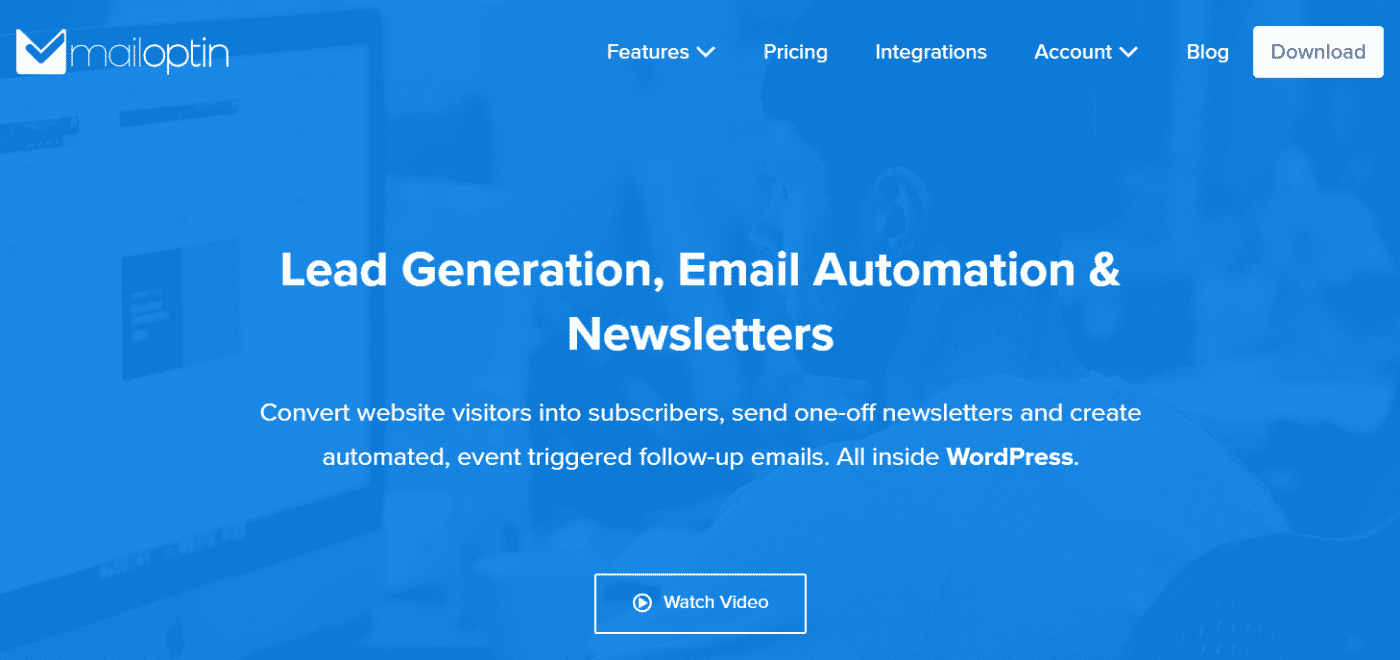
MailOptin goes beyond form capture — it handles email automation too, letting you send automated newsletters and event-triggered emails from within WordPress. Beyond automation, MailOptin supports lightboxes, notification bars, slide-ins, and inline forms, with 20,000+ active installs. Standard plan starts at $89–$99/yr.
Key features:
- A/B testing: run split tests on opt-in forms to identify the highest converter
- Trigger options: time on site, scroll depth, page views, exit, click, and device type
- Email automation: send automated and event-triggered emails from within WordPress
- Ad-blocker detection: plus built-in spam protection
—
6. OptimizePress
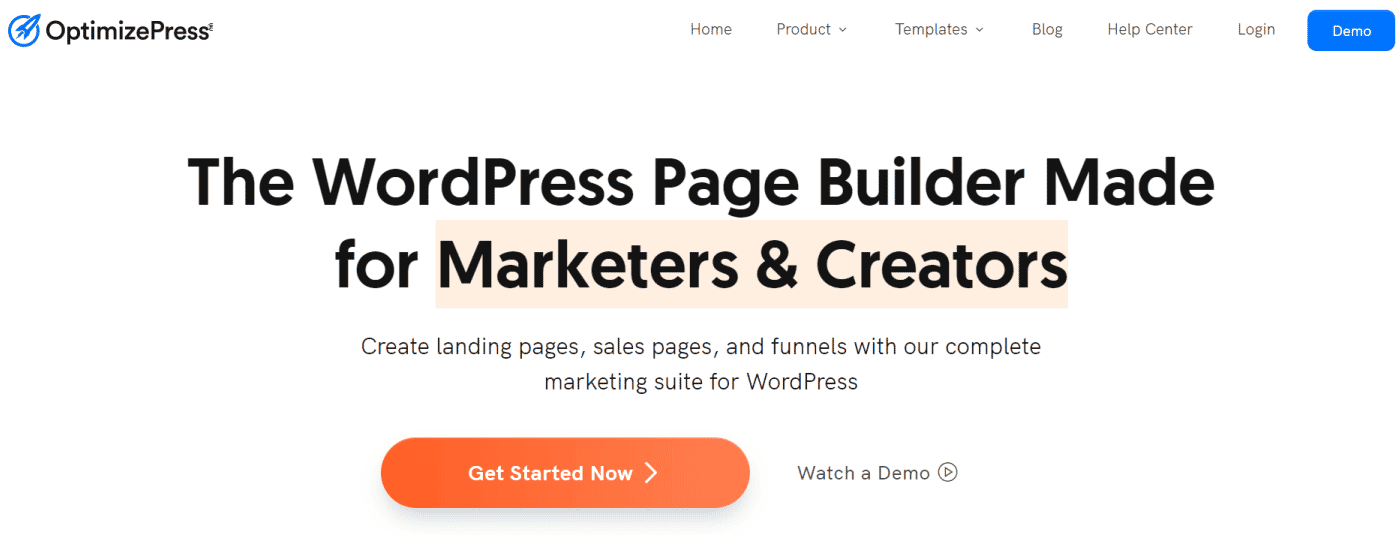
OptimizePress is a full funnel builder: landing pages, sales pages, and membership portals in one plugin, all on your own domain. OptimizePress connects with GetResponse, ConvertKit, Zapier, and Keap. Builder plan starts at $129/yr; no free trial is available, so it suits sites already converting that need a complete funnel tool.
Key features:
- Opt-in forms: collect visitor information on any page type
- Pre-made funnel templates: start from a proven conversion funnel, then customize
- OnePage membership portal: enhances the perceived value of online courses
- Fully customizable: control over text, images, and branding across every element
—
7. BDOW! (formerly Sumo)

Sumo rebranded as BDOW! in 2025 — if you’ve seen older posts referencing Sumo, this is the same product, now used by 30,000+ businesses. The List Builder is a lightbox popup; the Scroll Box triggers after a reader reaches a set depth in the page; the Smart Bar adds a top-of-page capture bar with minimal disruption.
Key features:
- Popup and floating bar forms: create and customize without code
- A/B testing: test opt-in form variants to improve conversions over time
- Smart display mode: shows forms at moments most likely to result in a sign-up
- Free plan available for basic popup use
—
8. MailPoet
MailPoet is the strongest free option for getting started with WordPress list building. The free plan covers up to 500 subscribers with a newsletter editor built directly into the WordPress dashboard — no separate email service account needed. MailPoet has 400,000+ active installs, and upgrading is straightforward as your list grows.
Key features:
- Free to 500 subscribers: no credit card required to get started
- Built-in newsletter editor: create and send emails from inside WordPress
- Subscription form builder: add opt-in forms to posts, pages, and widget areas
- WooCommerce integration: automatically add customers to lists at checkout
—
9. Passster — The Content Gating Approach

Passster gates premium WordPress content behind an email sign-up, releasing access only after a visitor provides their email — a method that attracts more qualified subscribers than a generic popup. With 10,000+ active installs (WordPress.org), Passster is the purpose-built tool for the content gating approach to list building.
For page builders, Passster integrates with Elementor, WP Bakery, and Beaver Builder. Passster supports password protection, role-based access, encrypted unlock links, and free trials via shortcode. Use it to prevent unauthorized access to premium content on any post, page, or content block.
Key features:
- Content gating by email: restrict posts, pages, or individual content sections; release on sign-up
- Multiple protection methods: passwords, CAPTCHAs, user roles, and encrypted links
- Page builder support: works with Elementor, WP Bakery, and Beaver Builder
- Free trial access: offer content previews to subscribers via shortcode
—
Frequently Asked Questions
MailPoet is the best free option — it covers up to 500 subscribers with a full newsletter editor built into the WordPress dashboard, no credit card required. MC4WP is also free for Mailchimp users, adding a subscribe checkbox to WooCommerce checkout and Contact Form 7. Both require zero upfront cost to install and activate.
OptinMonster, Thrive Leads, and BDOW! all add popup email subscription forms without any coding. After installing, create a campaign in the plugin’s dashboard, choose your form type (lightbox, slide-in, or top bar), set display rules for timing or scroll depth, and the popup appears automatically on the pages you select.
OptinMonster is the most widely used exit-intent plugin — it detects when a visitor moves to close the browser tab and fires a targeted campaign at that exact moment. Thrive Leads includes a similar feature called SmartExit. Both support custom targeting rules based on device type, referral source, and page.
Yes — MailPoet lets you create, schedule, and send newsletters from your WordPress dashboard without a separate Mailchimp or ActiveCampaign account. Its built-in editor handles design, list management, and delivery. For larger lists, upgrading to MailPoet’s paid plan extends sending limits while keeping everything inside WordPress.
Use an opt-in form plugin (OptinMonster, Thrive Leads) when you want forms embedded on existing pages — sidebars, posts, and popups. Use a landing page builder (LeadPages, OptimizePress) for dedicated conversion pages tied to ad campaigns or lead magnets. Most growing sites use both: forms on content pages and standalone landing pages for paid traffic.
Conclusion
MC4WP has 2 million installs and is free; the right plugin depends on your goal. For exit-intent popups on high-traffic sites, OptinMonster is the most capable. For full funnel campaigns, LeadPages or OptimizePress give you the dedicated pages you need. Just getting started? MailPoet is free and takes minutes to set up.
To go beyond the popup, Passster turns premium content into a lead capture asset. Lock the content, offer a preview, and let motivated readers subscribe themselves.