
Where Can I Download the Plugin?
There are a number of ways to download the plugin(s) after your purchase.
Via email
After you make a purchase on the Iconic site, we will email you with your download link(s) and license code(s).
Via the “Account” area
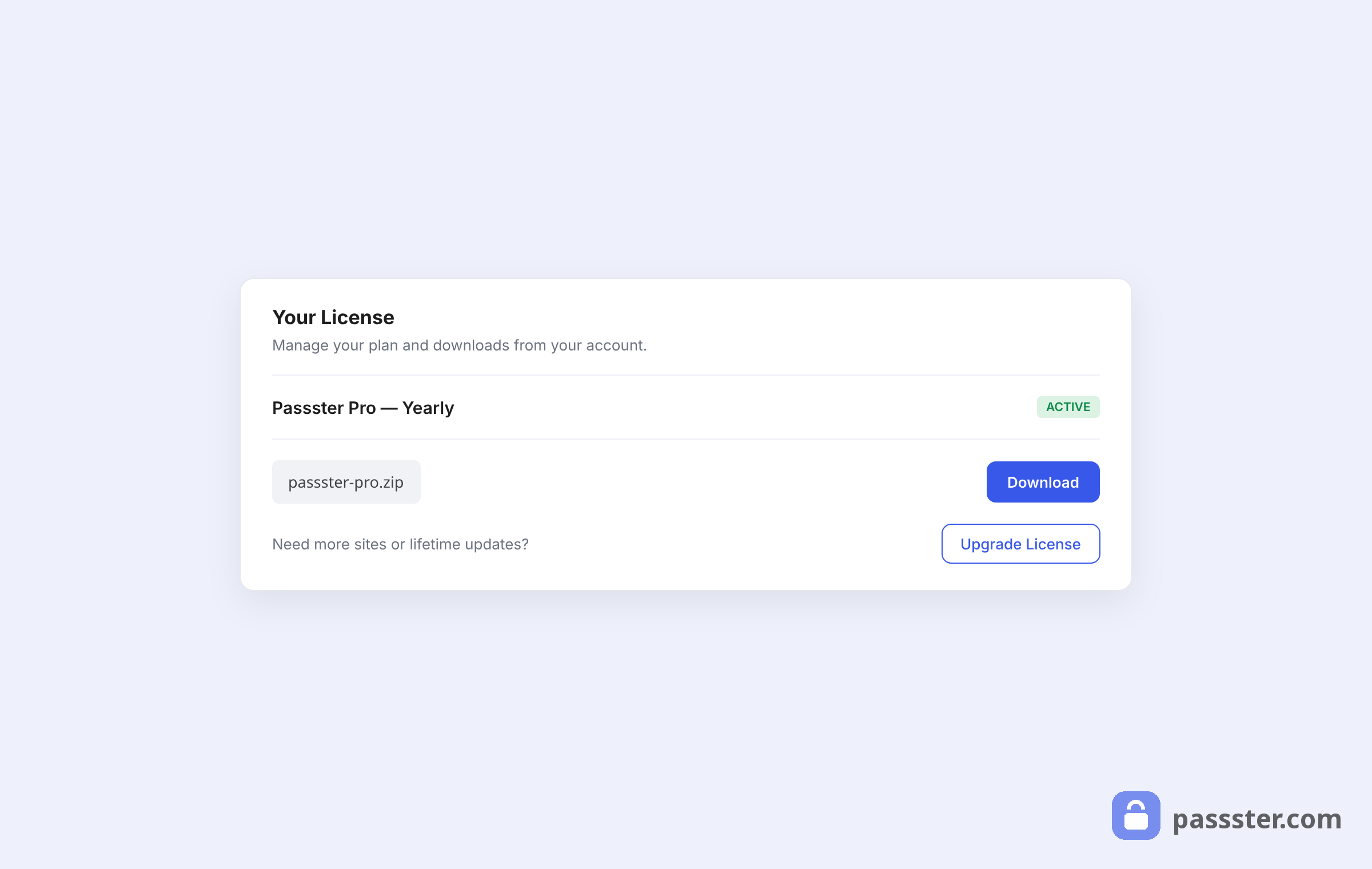
If you didn’t receive an email, or can no longer find it, you can log in to the account area on the iconic website.
You will have received your login details via email, but you can also reset your password by clicking either ” Forgot your password?” or “Never received your password?“.
Via the recovery link
If neither of the above options are working for you, you can recover your download link(s) and license key(s) by filling in the recovery form.