WordPress doesn’t include content restriction out of the box. To hide pages, posts, or sections from specific visitors, you need a plugin: a dedicated password protect plugin for WordPress if you want simple, account-free gating, or a fuller membership system if you need subscriptions and user registration.
This guide covers eight options across three categories (password-protection, role-based restriction, and full membership), grouped to help you find the right fit.
What to Look for in a WordPress Password Protect Plugin
If your goal is to gate WordPress pages or posts without forcing visitors to create an account, a dedicated WordPress password protect plugin is the simplest path. Look for support for multiple passwords per page, cookie-based sessions so visitors don’t need to re-enter credentials, and partial-page protection so you can lock only specific content blocks. Passster covers all of this, combining password lists, magic-link unlocking, CAPTCHA protection, and Gutenberg-native block-level gating in a single plugin.
How to Choose the Right Content Restriction Plugin
Not every site needs a full membership system. Of the eight plugins here, one targets password protection, two role-based access, and five full membership. Match your use case to the right type before installing.
Password-protection plugins gate content with a password or a magic link, with no user accounts required. They suit lightweight gating without logins.
Role-based restriction plugins limit content to logged-in users with specific WordPress roles, suited to team intranets, multi-author blogs, and sites that already manage user accounts.
Full membership plugins bundle user registration, subscriptions, payments, and content access together, the right fit for course creators and anyone selling tiered digital access.
Quick Comparison
Eight WordPress content restriction plugins span three types: one password-protection tool, two role-based plugins, and five full membership systems.
| Plugin | Type | Free tier | Best for | Paid from |
|---|---|---|---|---|
| Passster | Password protection | ✓ | Lightweight gating, no logins needed | Pro (see site) |
| Content Control | Role-based | ✓ | Simple login/role restrictions | Free |
| Restrict User Access | Role-based | ✓ | Access levels + content dripping | Free |
| Ultimate Member | Full membership | ✓ | Community sites with user profiles | Extensions vary |
| Paid Member Subscriptions | Full membership | ✓ | Subscriptions + WooCommerce | Pro (see site) |
| WP-Members | Full membership | ✓ | Register-to-read gating | Free |
| s2Member | Full membership | ✓ | Multi-level access with payments | $89 one-time |
| Kadence Memberships (ex-RCP) | Full membership | ✓ | Formerly Restrict Content Pro | Kadence bundle |
—
Password-Protection Plugins
Password-protection plugins gate WordPress content with a password or link, with no visitor account required.
1. Passster
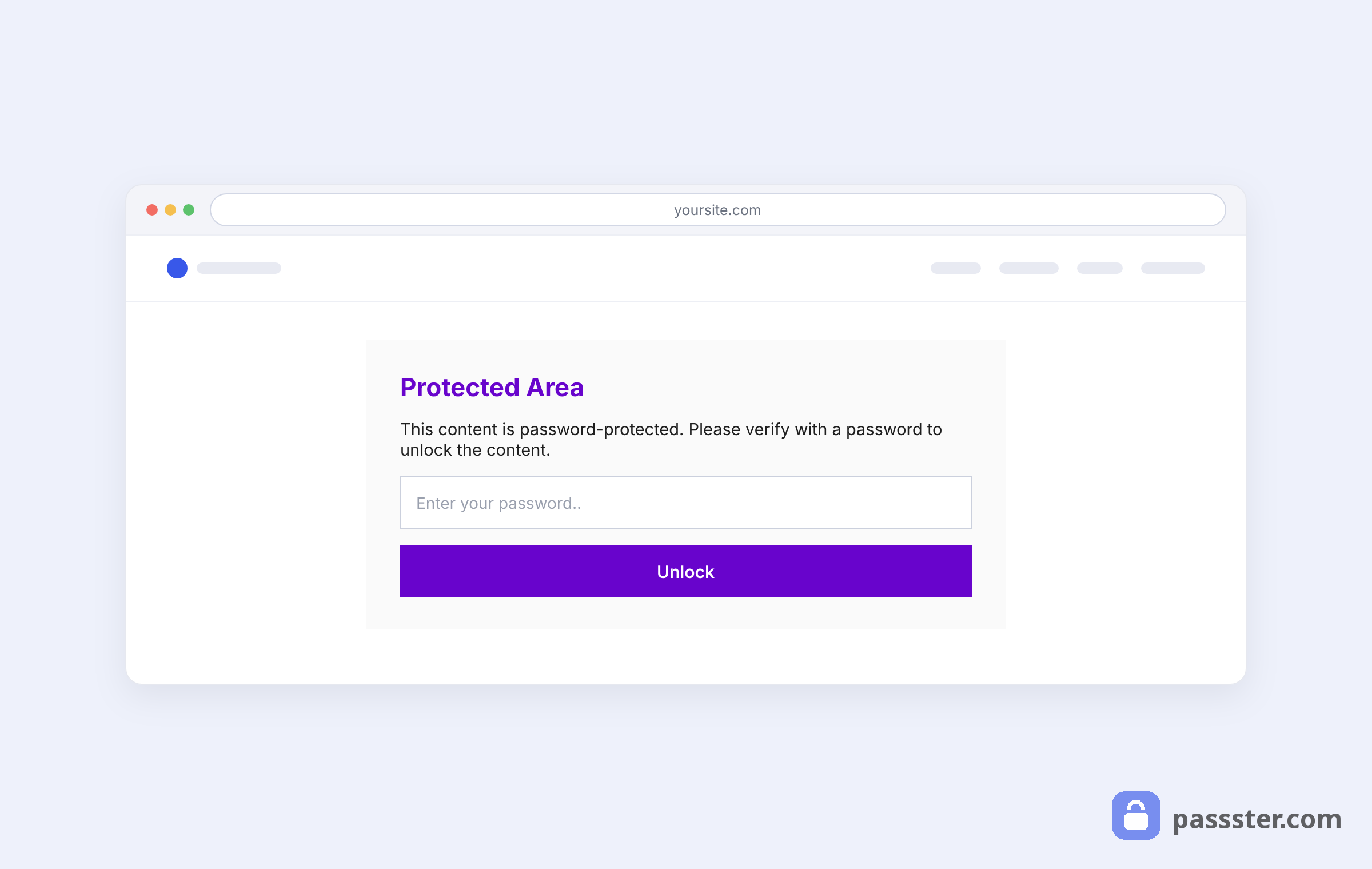
Passster has been available on WordPress.org since 2020 and protects content using passwords, magic links, or user roles, without requiring visitors to create an account. You can protect entire pages, posts, WooCommerce products, or specific content blocks within a page.
Key features:
- Password lists: assign multiple passwords to a single piece of content, or import a list for bulk access management.
- Unlock via link: generate a shareable URL that unlocks content without a password prompt.
- CAPTCHA/reCAPTCHA support: add a challenge step to prevent brute-force attempts.
- Cookie/session control: keep users unlocked across sessions without repeated password entry.
- Gutenberg-native blocks: protect individual sections of a page directly in the block editor.
- Page builder integrations: works with Elementor and WP Bakery Page Builder.
Con: Link-based unlocking and password lists require the Pro version.
—
Role-Based Restriction Plugins
Role-based restriction plugins limit WordPress content to logged-in users with a specific user role, with no payment or subscription layer required.
2. Content Control

Content Control restricts access to posts, pages, and widgets based on login status or user role. It has 40,000+ active installs and was last updated in May 2025 (WordPress.org).
Key features:
- Flexible redirects: send unauthorized users to the homepage, a login page, or a custom URL.
- Role-based display: show or hide content for logged-in users, logged-out users, or specific roles.
- Widget visibility controls: restrict sidebar and footer widgets by login status or role.
- Custom CSS support: fine-tune restrictions on individual shortcodes.
Price: Free
Con: No payment processing or subscription management, purely access control.
3. Restrict User Access

Restrict User Access adds access-level management to WordPress without requiring code. It has 10,000+ active installs and was last updated in October 2025 (WordPress.org). The access-level system lets you restrict content by user role, create unlimited levels, and schedule content dripping.
Key features:
- Unlimited access levels: create and assign multiple levels per user.
- Content dripping: release content on a schedule after a user joins.
- Membership durations: set time-limited access that expires automatically.
- Plugin integrations: supports WooCommerce, BuddyPress, bbPress, and Easy Digital Downloads.
Price: Free
Con: Initial setup requires more configuration than simpler tools; less intuitive for non-developers.
—
Full Membership Plugins
Full membership plugins combine content gating, registration, subscriptions, and payment processing in a single WordPress system.
4. Ultimate Member

Ultimate Member is a full membership plugin with 200,000+ active installs and a 4.4/5 rating from 1,445 reviews (WordPress.org, 2026). It suits community sites that need registration, profiles, and content gating in one package.
Key features:
- Shortcode-based restriction: protect specific sections or entire pages and posts.
- Role-targeted visibility: control which user roles can see restricted content.
- Custom messaging: show unverified visitors a message or redirect them to a registration page.
- Drag-and-drop form builder: create custom registration and profile forms without code.
Price: Free (paid extensions available)
Con: Heavier footprint than simpler tools; best suited for sites that need the full community feature set.
5. Paid Member Subscriptions

Paid Member Subscriptions by Cozmoslabs combines subscription management with content restriction, and has received regular updates through 2026 (WordPress.org). It suits sites that also sell WooCommerce products behind a membership gate.
Key features:
- Tiered subscription plans: create plans like Free, Silver, and Gold with upgrade paths for existing subscribers.
- PayPal payments: accept subscriber payments and track payment history from the dashboard.
- WooCommerce integration: restrict products or product categories by membership level.
- Custom access messages: redirect visitors or display a tailored message when they reach restricted content.
Price: Free core plugin; paid Pro tiers available. See cozmoslabs.com for current pricing.
Con: Stripe requires a paid add-on; PayPal is the main gateway in the free version.
6. WP-Members

WP-Members restricts posts and pages to registered users and adds custom registration and login forms. WP-Members received regular updates through 2026 (WordPress.org), a lightweight “register to read” option.
Key features:
- Post/page gating: hide content across pages, posts, and custom post types for non-registered users.
- Custom registration fields: add fields to registration and profile forms.
- 120+ hooks and filters: customize behavior without editing plugin files.
- Shortcodes: manage login, registration, and restriction through shortcodes.
Price: Free
Con: Minimal built-in styling; matching forms to your theme requires CSS work.
7. s2Member

s2Member protects pages, posts, categories, file downloads, and partial page sections, one of the broadest content scopes in this list. s2Member has 8,000+ active installs; version 260508 shipped in May 2026 (WordPress.org).
Key features:
- File protection: secure downloadable products locally or via Amazon S3 CloudFront.
- Customizable auth pages: edit login, registration, and membership options pages.
- Mailing list integrations: connect to popular email providers with customizable templates.
- Payment gateways: supports Stripe, PayPal Standard, PayPal Pro, and Authorize.Net.
Price: Free (single-site Pro license $89, free trial available)
Con: The interface feels dated; the learning curve is steeper than newer alternatives.
8. Restrict Content Pro (now Kadence Memberships)
Kadence Memberships delivers subscription management, content dripping, unlimited discount codes, and payment gateway integrations, carrying forward all the core capabilities of its predecessor, Restrict Content Pro. Liquid Web acquired Restrict Content Pro in 2020 via StellarWP and rebranded it as Kadence Memberships.
Key features:
- Unlimited subscription plans: create free, trial, and paid tiers.
- Discount codes: generate unlimited flat-rate and percentage-based codes.
- Performance reports: track membership metrics over custom date ranges.
- Automated emails: welcome emails, renewal reminders, and payment receipts.
Price: Included in Kadence bundles (see Kadence pricing)
Con: Documentation spans two brands (legacy Restrict Content Pro and new Kadence), which can complicate troubleshooting.
—
Notable Alternatives
MemberPress and Paid Memberships Pro are the two most widely adopted WordPress membership platforms absent from the main list above, yet both appear in nearly every competitor roundup.
MemberPress is a paid platform with 1.2M+ active websites (WPBeginner, 2026), covering content access, courses, community, and payments from ~$179/year.
Paid Memberships Pro has 100,000+ active installs (WordPress.org, 2026) and a capable free tier; premium add-ons cover advanced features.
—
Frequently Asked Questions
Password protection (like Passster) gates content with a code or link, with no accounts needed. A membership plugin gates content based on a registered account and subscription tier, so visitors must sign up and log in.
Yes. Password-protected content is not indexed by search engines, and membership plugins that require login have the same effect. Use partial locking to expose a public teaser for content that also needs to rank.
Content Control, Restrict User Access, Ultimate Member, and WP-Members all have fully functional free tiers. Passster also has a free version covering core password-protection features.
Use a role-based plugin like Content Control or Restrict User Access. Both let you assign WordPress user roles (Subscriber, Editor, or any custom role) to access rules. No coding required; all configuration happens in the admin panel.
Yes. Passster’s Gutenberg blocks let you protect specific sections without hiding the entire post. Most other plugins in this list restrict at the page or post level only.
Conclusion
The right plugin depends on your site’s infrastructure needs. For lightweight gating without logins, Passster is the simplest option. For role-based access, Content Control or Restrict User Access cover the basics at no cost. For paid subscriptions or courses, pick a full membership plugin based on which payment gateways you need.