WooCommerce powers 36.68% of all e-commerce sites, making it the single biggest target for spambots, fraud scripts, and card testing operations. Global e-commerce fraud losses reached $44.8 billion in 2024 and are projected to hit $109 billion by 2029, according to 2024 industry research. For every $100 in fraudulent orders, merchants lose around $207 once you factor in shipping, chargebacks, and processing fees.
Stopping spam is not a one-step fix. Instead, the most effective approach layers defences from the server level down to your store’s checkout — native WooCommerce settings first, then extra friction measures, then dedicated plugins. This WooCommerce anti spam guide walks through each layer so you can build a protection setup that actually holds.
Why WooCommerce stores attract spam
WooCommerce stores attract spam because their 36.68% market share makes them the most widely targeted e-commerce platform for automated fraud operations. Understanding the four main attack types helps you choose the right countermeasure for each.
- Spam orders. Bots place fake orders, typically high-value ones — adding hundreds or thousands of dollars worth of products when the average product in your store is $30–50. Most spam orders are placed without creating an account and use Cash on Delivery as the payment method, so no real payment details are ever needed.
- Fake account registrations. Automated scripts register hundreds of dummy accounts in minutes. Fake accounts inflate your user database, pollute your email list with undeliverable addresses, and create cover for fraudulent purchases that look more legitimate because they come from a registered user.
- Card testing attacks. Stolen credit card numbers are worth little until a fraudster knows which ones still work. Card testing bots use your WooCommerce checkout to run small trial transactions across hundreds of card numbers per hour. Each failed transaction still triggers a payment gateway processing fee, and a spike in declines can cause your payment processor to flag or suspend your account. According to Capital One Shopping research, 21% of merchants faced bot attacks creating fake accounts and testing stolen card details in the past year.
- Comment and review spam. Spam bots post unsolicited links in product reviews and order notes, often to redirect your customers to phishing sites or competing stores. Review spam also dilutes your star ratings and product page credibility.
WooCommerce’s built-in spam controls
WooCommerce and WordPress include five native spam controls that require no plugin: open registration can be disabled, comment approval can be required, selling can be restricted to specific countries, product reviews can be limited to verified purchasers, and — since WooCommerce 9.6 (December 2024) — the Store API can be rate-limited to block card testing bots automatically.
Disable open registration
If your store does not need customers to self-register, remove the option entirely. In WordPress, go to Settings > General and uncheck Anyone can register. With open registration off, bots that script the registration endpoint hit a dead end without touching any plugin.
Restrict comments and pingbacks
Go to Settings > Discussion. Enable Comment author must have a previously approved comment to stop first-time comment spam from ever going live. Disable Allow link notifications from other blogs to block pingback and trackback flood attacks, which spam bots use to trigger outbound links from your site.
Restrict selling to specific countries
In WooCommerce > Settings > General, set Sell to specific countries to your actual customer base. If you ship only to the US and Canada, block every other country at this level. Bots that originate outside your sell-to list cannot complete the checkout flow.
Limit product reviews to verified purchasers
Go to WooCommerce > Settings > Products and enable Only allow reviews from “verified owners”. This single toggle eliminates review spam entirely: only customers who completed a purchase can submit a rating.
Enable Store API rate limiting (WooCommerce 9.6+)
Since WooCommerce 9.6 (December 2024), the Store API includes built-in rate limiting specifically designed to stop card testing attacks. You can configure it in WooCommerce > Settings > Advanced > Store API. According to the official WooCommerce developer release, this feature throttles repeated requests to the checkout endpoint — the exact route card testing bots hit at high volume.
Extra protection measures
Bots enter WooCommerce stores through three main points: the checkout endpoint, the registration form, and the login page. The three measures below add friction at each entry point without touching your store’s native WooCommerce settings.
Add a CAPTCHA to your checkout and registration pages
A CAPTCHA challenge at checkout and registration forces every visitor to prove they are human before completing the form. Most bot scripts cannot solve CAPTCHA challenges, so they abandon the attempt entirely. Note: CAPTCHA alone is not a complete solution — CAPTCHA farms allow humans to solve challenges for as little as $0.25 each, so combine CAPTCHA with rate limiting and the native settings above for layered protection. To stop spam orders woocommerce store owners have reported CAPTCHA as the single highest-impact friction measure.
Passster makes CAPTCHA setup straightforward. In the Passster settings panel, go to the Integrations tab and activate the CAPTCHA option.
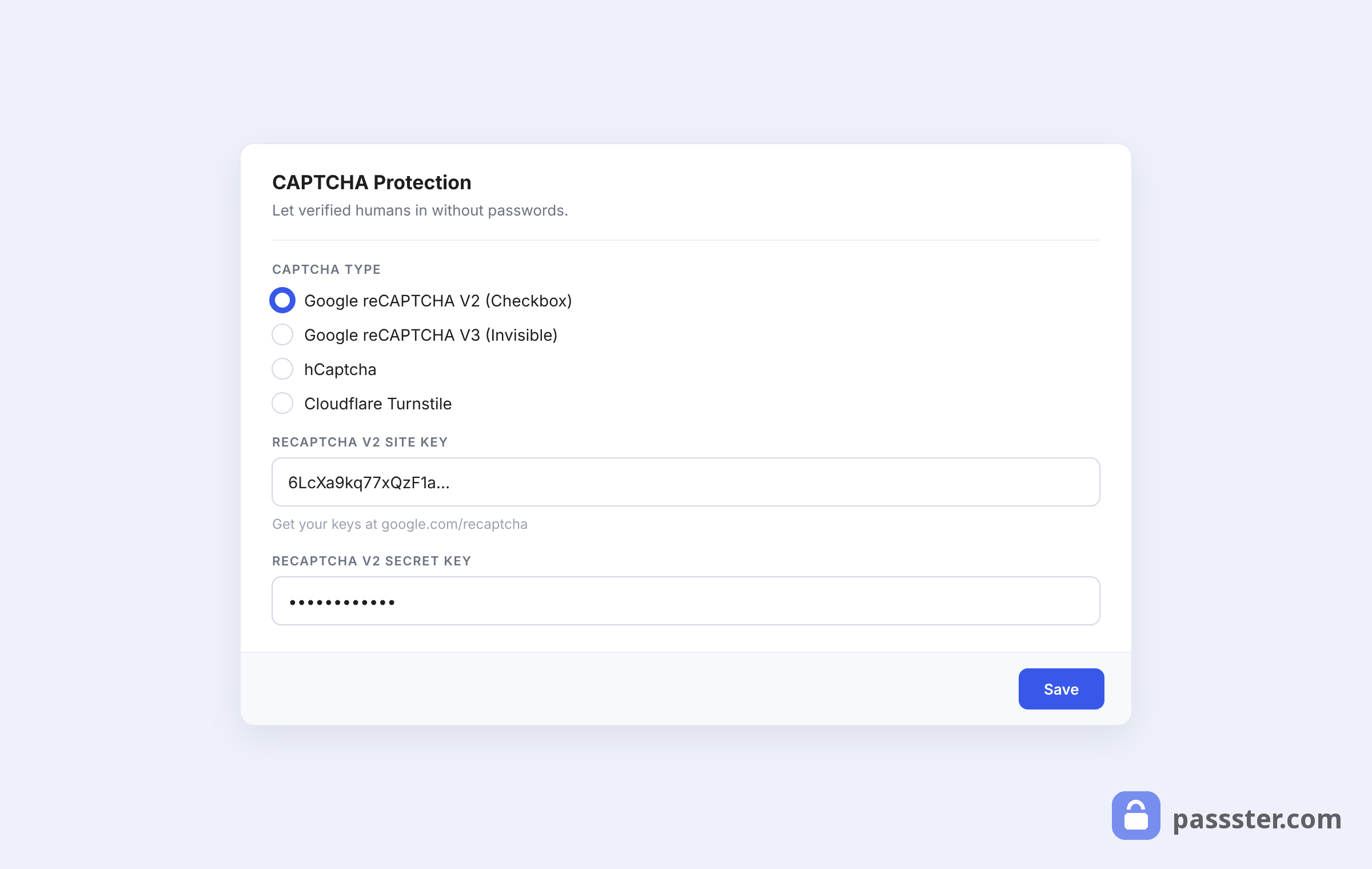
The CAPTCHA settings screen lets you set the code length, image dimensions, and visual style to match your store’s design.
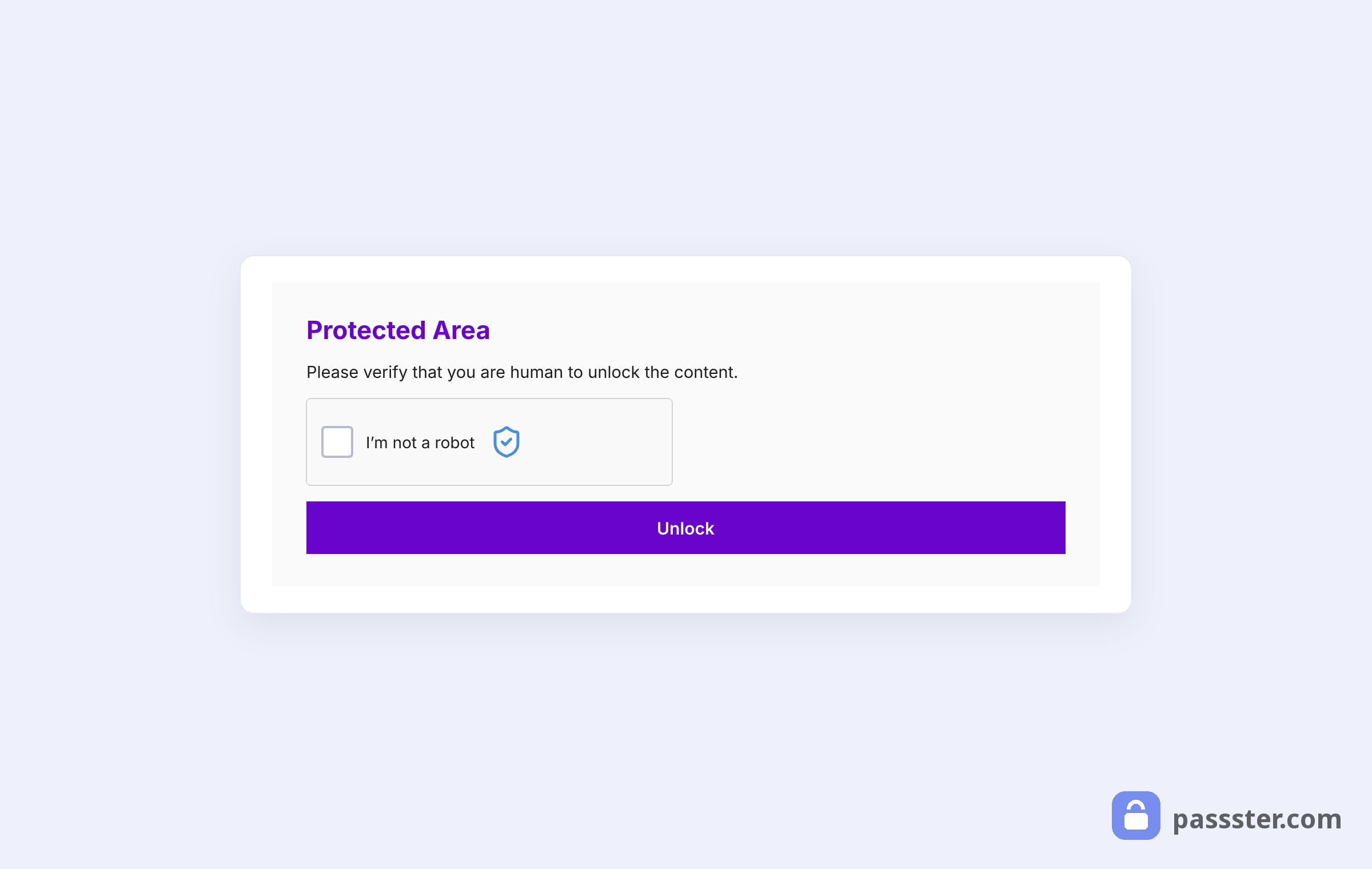
Once configured, the CAPTCHA appears on the front end of your store wherever you’ve enabled it.
Change your store’s registration URL
Most bot scripts are programmed to target WordPress’s default registration URL (/wp-login.php?action=register). Changing that URL to something custom means the bots never find the form in the first place. Use a plugin such as WPS Hide Login to move the registration endpoint to a URL of your choosing.
Require email verification at registration
Adding an email verification step stops bots that use disposable or randomly generated email addresses — which cannot receive or act on a confirmation link. The User Email Verification for WooCommerce plugin adds this step with no custom code required: new accounts remain inactive until the registrant clicks a link in the verification email.
Enable manual new-user approval
For stores where registration volume is low, manual approval puts a human in the loop before any new account becomes active. The New User Approve plugin sends you an email for each registration and keeps the account inactive until you explicitly approve it. This is the highest-friction option and works best for membership sites rather than high-volume retail stores.
Limit login attempts
Brute-force login bots work by cycling through username and password combinations at high speed. Limiting the number of failed login attempts from any IP address stops this class of attack. The Limit Login Attempts Reloaded plugin adds this protection and lets you set lockout thresholds and durations from the WordPress dashboard.
9 best WooCommerce anti spam plugins
The best WooCommerce spam protection plugin depends on your threat type. For CAPTCHA-based access control, Passster is the simplest to set up. For scoring completed orders, WooCommerce Anti Fraud is the most comprehensive. For free coverage, Honeypot WooCommerce, Akismet, and Titan Anti-spam each cover a different layer at no cost. Here are the nine most effective woocommerce spam protection tools available in 2025, with pricing and use-case guidance for each.
1. Passster
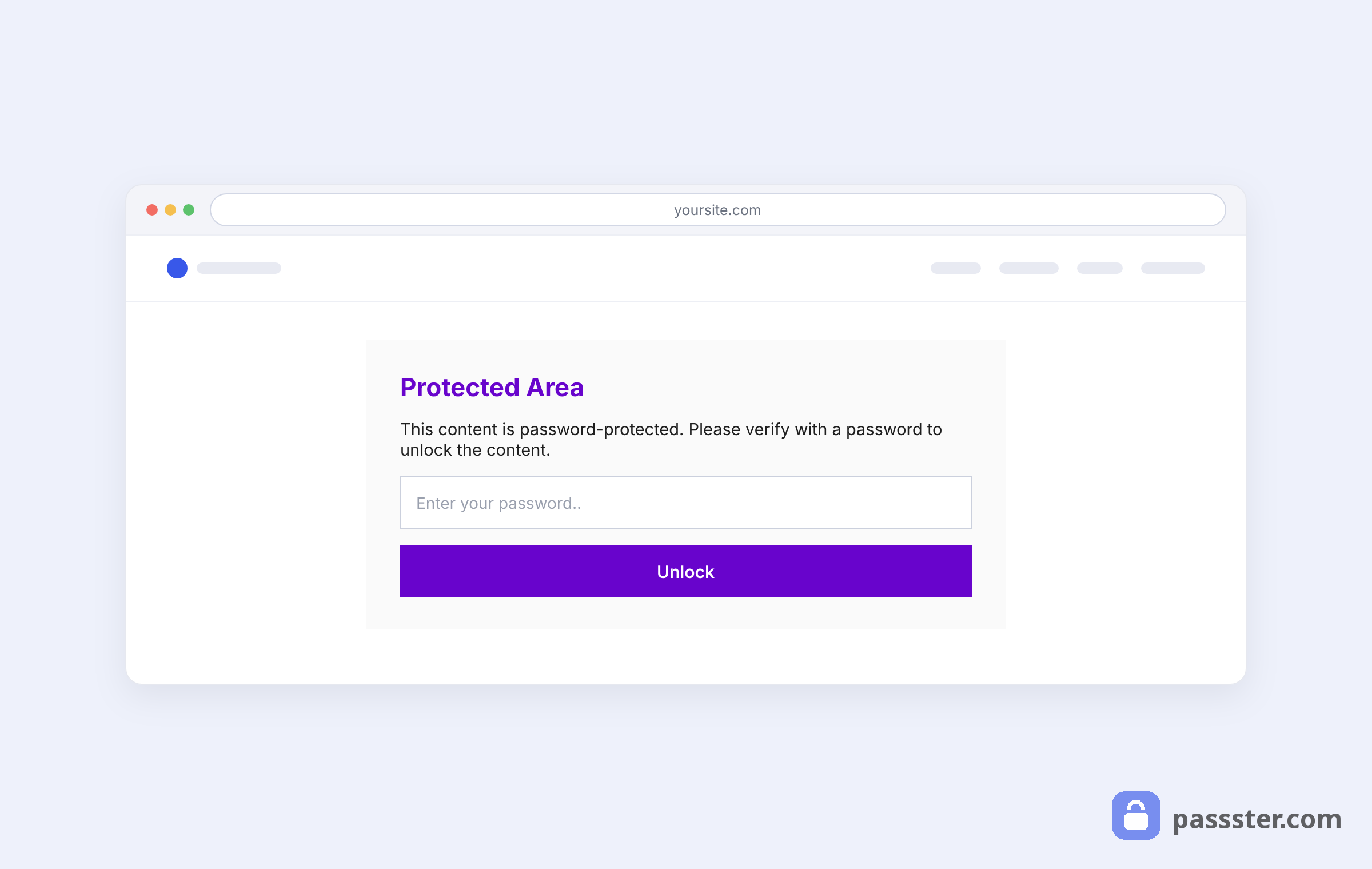
Passster is a WordPress access-control plugin that protects pages, posts, and WooCommerce store areas with passwords, access lists, and CAPTCHA challenges. For anti-spam purposes, its CAPTCHA add-on is the primary feature: it adds a challenge to checkout, registration, and login forms that stops most automated bot traffic from completing those flows.
Best for: Stores that want CAPTCHA-based form protection with minimal configuration and no coding required.
Price: Free core plugin; premium plans start from $49/year.
2. WooCommerce Anti Fraud
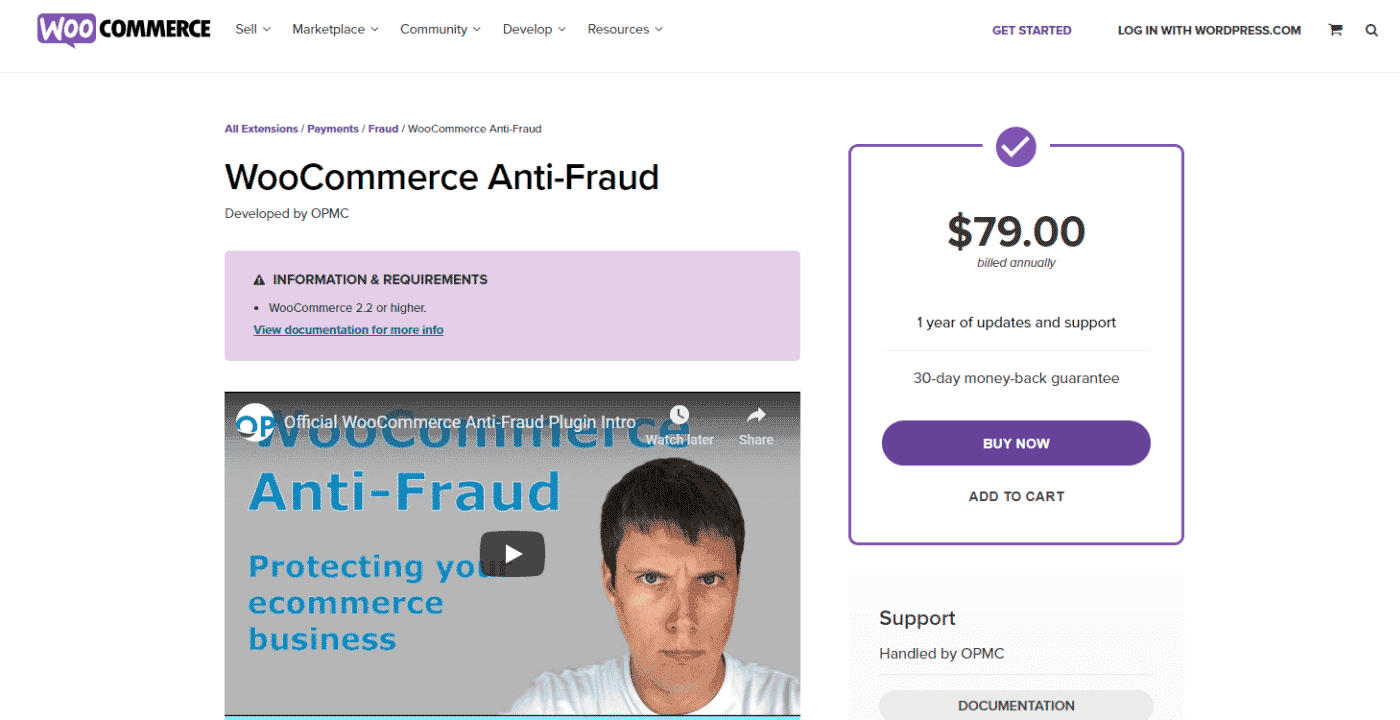
WooCommerce Anti Fraud is the official WooCommerce extension for post-order fraud scoring. It assigns a risk score to every completed order based on signals including IP geolocation, order velocity, device fingerprint, and email reputation. High-risk orders are automatically flagged, held, or cancelled before fulfilment begins.
Best for: Stores with high order volume that need automated fraud scoring on completed transactions.
Price: $139/year on WooCommerce.com.
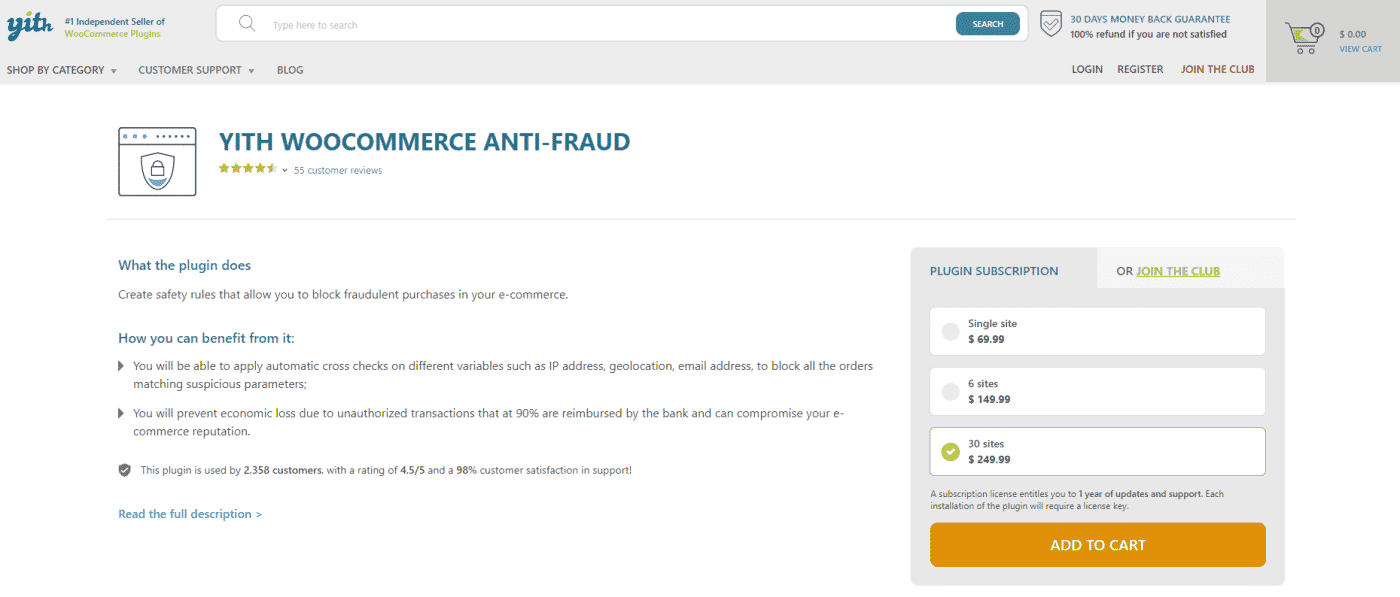
3. YITH WooCommerce Anti Fraud
YITH WooCommerce Anti Fraud provides order-level risk scoring with a configurable threshold system. When an order’s risk score exceeds your threshold, the plugin can automatically place the order on hold, send you an alert email, or cancel the order entirely. It analyses signals including IP address, email domain, and order history.
Best for: Stores that want threshold-based automatic order holds with email alerts.
Price: Premium, sold as an annual license on YITH’s plugin page.
4. WooCommerce Anti-Fraud Lite (Woo Blocker)
WooCommerce Anti-Fraud Lite is a free plugin that lets you blacklist specific email addresses, IP addresses, and phone numbers from placing orders. It also includes a basic fraud-scoring layer and can automatically cancel orders from blacklisted sources or orders that exceed a configurable risk threshold.
Best for: Stores on a tight budget that need basic blacklist management and automatic order cancellation.
Price: Free (lite version); premium version available.

5. IP2Location Country Blocker
IP2Location Country Blocker blocks or allows access to your WordPress site based on the visitor’s country of origin, detected via IP address. For WooCommerce stores, you can configure it to block access to the checkout and registration pages entirely for countries you don’t serve, stopping country-targeted bot traffic before it ever sees a form.
Best for: Stores with a defined geographic customer base that want to block all traffic from outside their sell-to countries at the page level.
Price: Free.

6. Honeypot for Contact Form 7
Honeypot for Contact Form 7 adds an invisible honeypot field to Contact Form 7 forms. Spam bots that automatically fill all visible and hidden fields trigger the honeypot and have their submission silently rejected. Human visitors never see the field and are never interrupted.
What is a honeypot? A honeypot is a hidden form field that is invisible to human visitors but filled in automatically by bots. When a submission arrives with the honeypot field populated, the server knows it came from a bot and discards it silently — no CAPTCHA challenge, no error message.
Best for: Sites using Contact Form 7 that want invisible bot filtering without adding any visible friction for human visitors.
Price: Free.
7. Akismet Anti-Spam
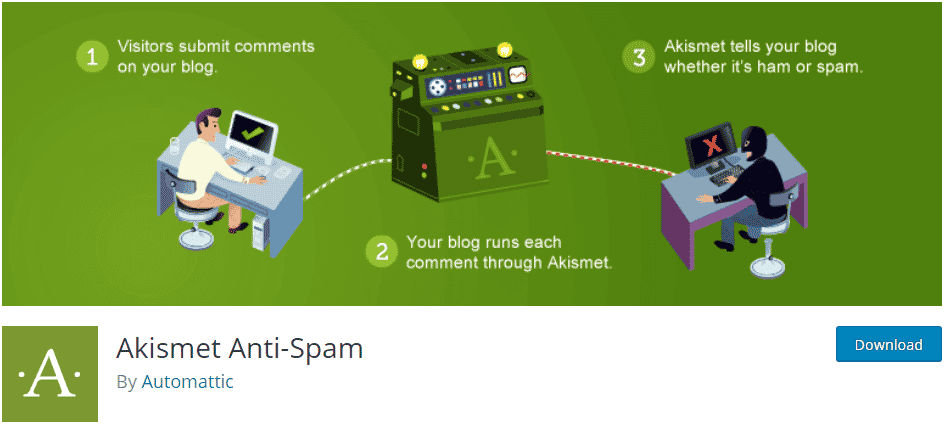
Akismet uses a cloud-based spam database maintained by Automattic (the company behind WordPress.com) to filter comment, contact-form, and registration submissions in real time. Every submission is checked against Akismet’s database of known spam patterns and flagged or held for review automatically.
Best for: Sites with active comment sections or contact forms that need reliable, low-maintenance spam filtering.
Price: Free for personal use; paid plans start at $10/month for commercial use.
8. Honeypot WooCommerce – WordPress AntiSpam
Honeypot WooCommerce adds invisible honeypot fields specifically to WooCommerce forms: checkout, registration, login, and “lost password”. It works on the same principle as the Contact Form 7 version but is built to integrate with WooCommerce’s form structure. Because it adds no visible challenge, it creates zero friction for legitimate customers.
Best for: WooCommerce stores that want invisible form-level bot filtering across all WooCommerce forms with no customer-facing impact.
Price: Free.

9. Titan Anti-spam & Security
Titan Anti-spam & Security combines comment spam filtering with a basic firewall and malware scanner. Its anti-spam component uses a machine-learning model trained on spam patterns to filter comment submissions without requiring Akismet’s API key. The firewall module blocks known malicious IP addresses and provides basic brute-force protection for the login page.
Best for: Stores that want anti-spam and a basic firewall in one free plugin without depending on a third-party API.
Price: Free (lite); Pro version available.
Protect your WooCommerce store from spam
No single setting or plugin stops all WooCommerce spam. The stores that hold up best are the ones that layer their defences: native settings at the base, friction measures at form entry points, and a dedicated plugin where the risk justifies the cost.
Start with the five native controls in this guide — they cost nothing and eliminate a large share of automated traffic before any plugin is involved. Add CAPTCHA to your checkout and registration pages next, since that single step stops most bot scripts from completing a form. Then assess which plugin fits your remaining exposure: Passster for CAPTCHA-first access control, WooCommerce Anti Fraud or YITH for post-order scoring, or one of the free honeypot options for invisible form protection.
If you’re running WooCommerce 9.6 or later, enable Store API rate limiting now. It’s the most direct countermeasure available for card testing attacks and requires no third-party plugin.
The layered approach in this guide is not about adding complexity — it’s about making each attack vector progressively harder to exploit until the cost of the attack exceeds the potential return for the bot operator.
Frequently Asked Questions
Disable guest checkout in WooCommerce > Settings > Accounts & Privacy so that every order requires an account. Enable rate limiting for the Store API if you’re on WooCommerce 9.6 or later — this throttles the endpoint card testing bots target most. Add a CAPTCHA to the checkout and registration pages using Passster or Google reCAPTCHA. For high-volume attacks, a Cloudflare Bot Fight Mode rule or a custom WAF rate limit on /checkout stops bots at the network edge before they reach your server.
The right plugin depends on your threat type. Passster is the easiest to set up for CAPTCHA-based access protection. WooCommerce Anti Fraud (the official extension) is the most comprehensive for scoring completed orders. Among free anti-spam options, Honeypot WooCommerce adds invisible bot detection to all WooCommerce forms, Akismet handles comment and contact-form spam, and Titan Anti-spam combines comment filtering with a basic firewall.
Card testing attacks are automated operations where bots use your WooCommerce checkout to validate stolen credit card numbers at high volume — typically submitting small transactions, sometimes hundreds per hour. Even failed transactions cost you: each triggers a payment gateway fee, and a surge in declines can cause your payment processor to suspend your account.
Yes. WooCommerce and WordPress include several native controls that require no plugin: disable open registration (Settings > General), require comment author approval (Settings > Discussions), restrict selling to specific countries (WooCommerce > Settings > General), limit product reviews to verified purchasers (WooCommerce > Settings > Products), and — since WooCommerce 9.6 — enable rate limiting for the Store API to block card testing bots automatically.
Disable open registration in WordPress > Settings > General if you don’t need public sign-ups. Add a CAPTCHA to the registration form with Passster or reCAPTCHA. Require email verification with User Email Verification for WooCommerce — bots using disposable addresses cannot complete the confirmation step. For stores with low registration volume, Profile Press lets you manually approve each new account before it becomes active.
Anti-spam plugins such as Passster, Honeypot WooCommerce, and Akismet act before a transaction is submitted — blocking bots from completing forms, registrations, or checkouts. Anti-fraud plugins such as WooCommerce Anti Fraud and YITH WooCommerce Anti Fraud act after an order is placed, scoring the completed order against risk signals and flagging or pausing suspicious ones for review.
Guest checkout increases your attack surface because it removes the account-creation step that stops most basic bot scripts. Card testing bots are designed to cycle through checkout without creating accounts. Disabling guest checkout in WooCommerce Settings > Accounts & Privacy adds friction that deflects most automated attacks. The trade-off is that some legitimate customers may abandon at the registration step.
Yes. Cloudflare’s free tier includes Bot Fight Mode, which identifies and challenges suspicious automated traffic before it reaches your WooCommerce server. For card testing, a custom Cloudflare rate-limit rule on the /checkout endpoint — set to block IPs exceeding a defined number of requests per minute — is typically the fastest mitigation for an active attack.